How To Use Volunteer Portal – Students
How Do I Log My Hours?
1.
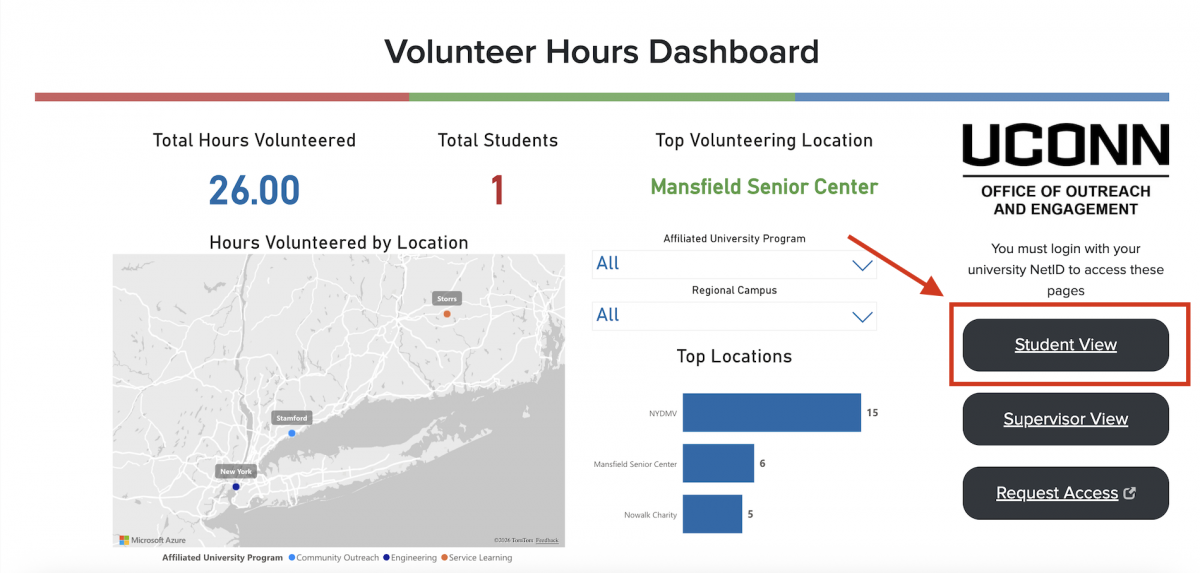
Navigate to the student view by selecting the appropriate button on the hompage or by clicking below.
2.
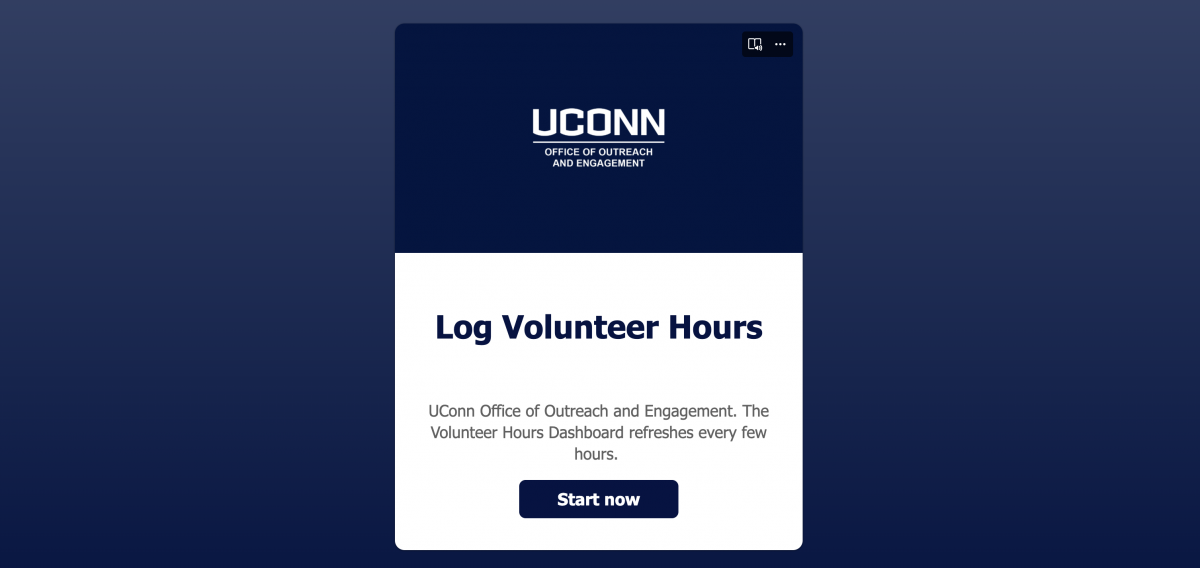
Select the log hours button on the page or by clicking below.
How Can I View My Volunteering Data?
1.
Navigate to the student view by selecting the appropriate button on the hompage or by clicking below.
2.
Enter your UConn email address in the email field. The Dashboard will populate with your volunteering data.
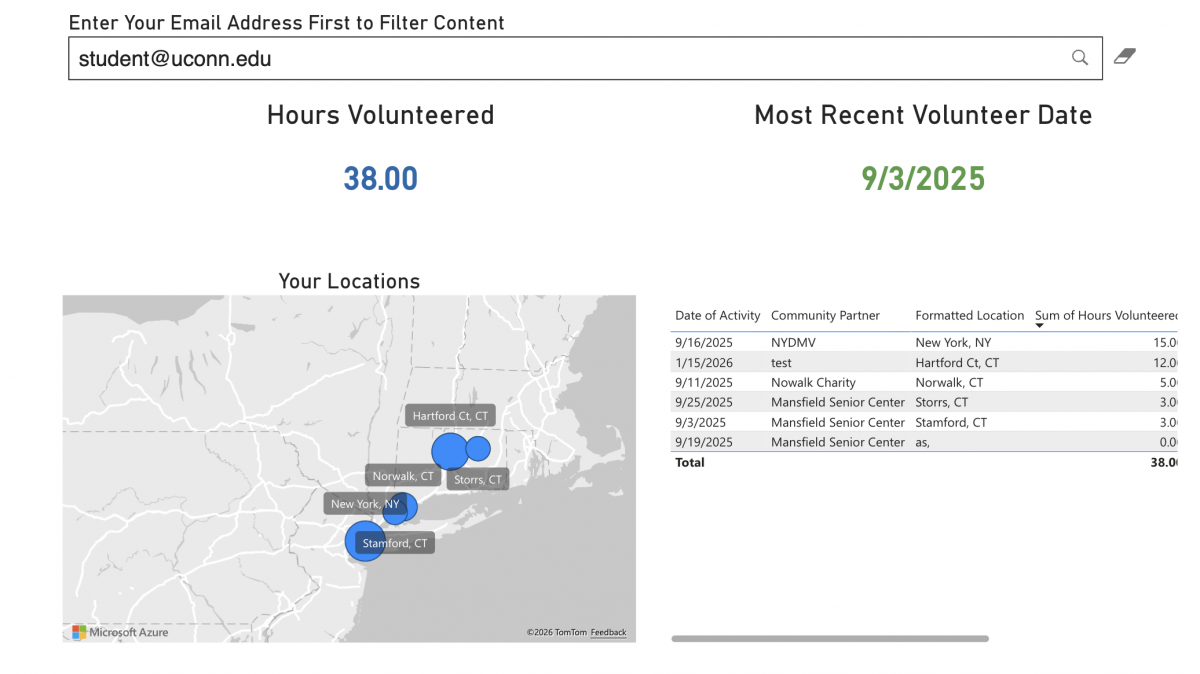
Keep in mind the dashboard refreshes 6x a day.